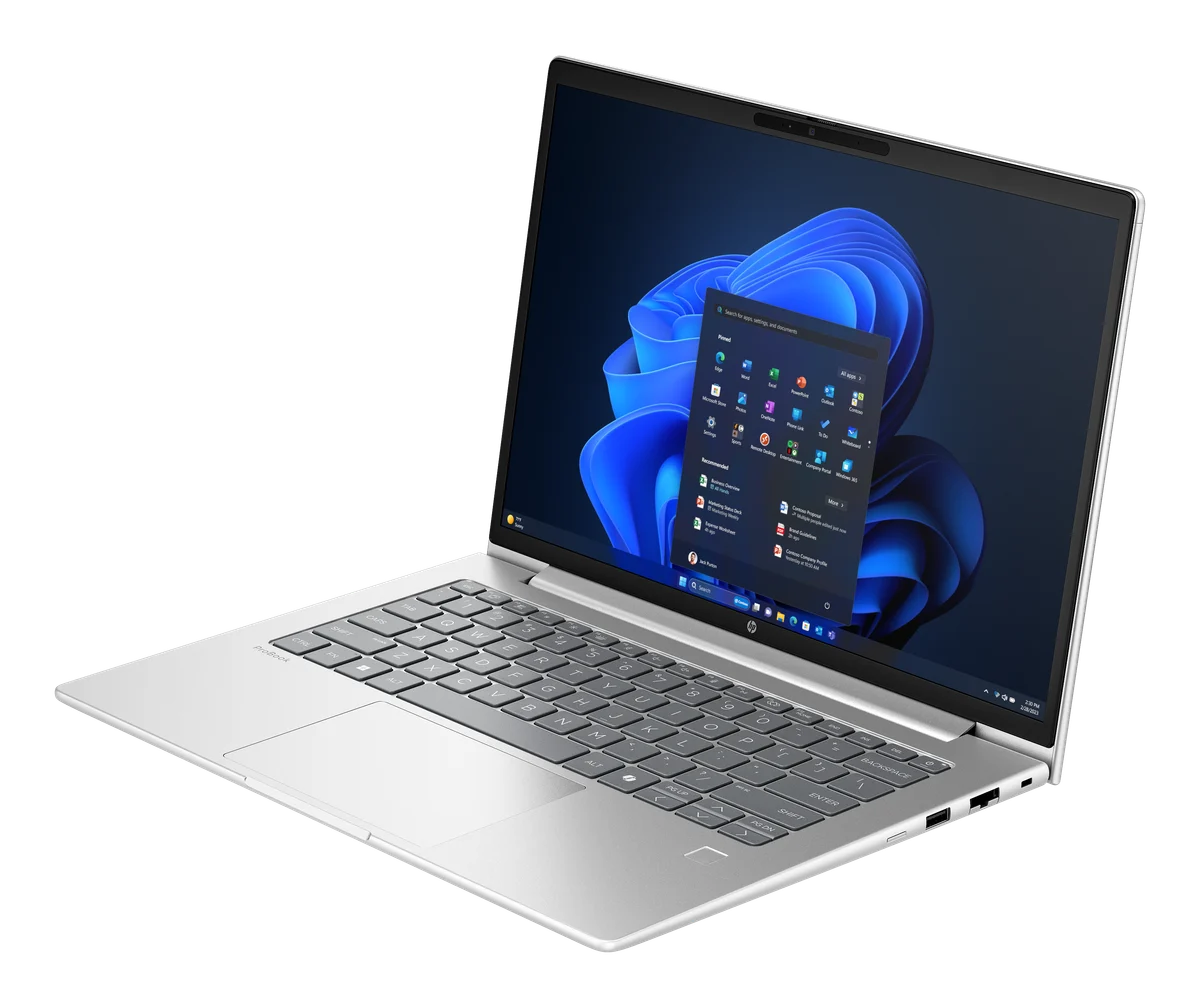
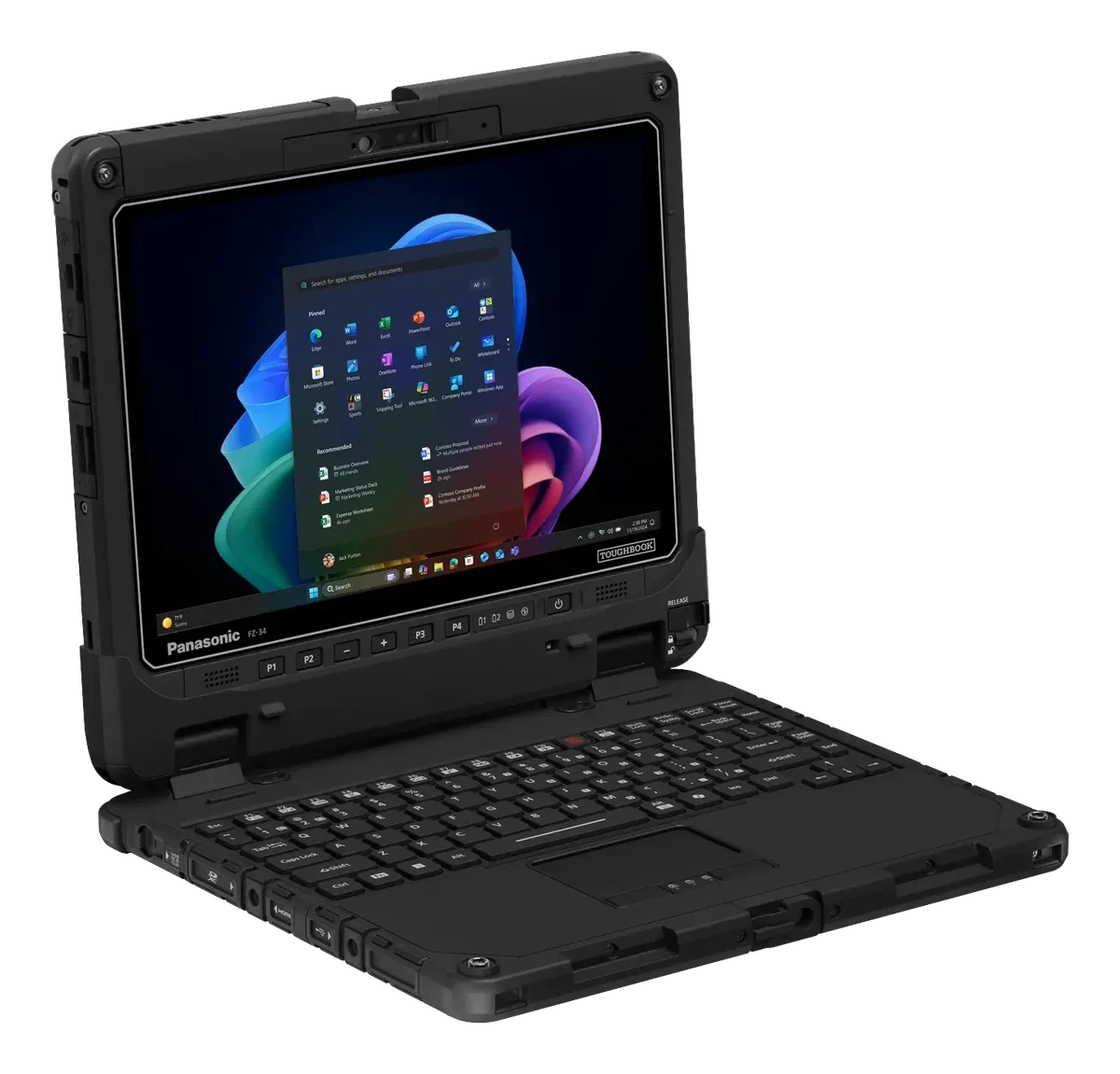
HP ProBook 4 G1i 14 vs Panasonic TOUGHBOOK 34
35.9chipPerformancespec-basedchip40.6
46.2chipGraphicschip55.6
23.3Displayspec-based65.7
41.3Batteryspec-based20
75.6Portabilityspec-based26.9
4 spec wins — HP ProBook 4 G1i 141 spec wins — Panasonic TOUGHBOOK 34
InnoReviews verdict
This one is close to a dead heat: HP ProBook 4 G1i 14 scores 41.8 against 41.9 for Panasonic TOUGHBOOK 34. Pick by the categories that matter to you — Panasonic TOUGHBOOK 34 edges ahead in graphics, or by price.
Which would you pick?
Key differences
Reasons to pick the HP ProBook 4 G1i 14
- 63% lower thickness: 17 mm vs 46.1 mm
- 46% lower weight: 1.4 kg vs 2.57 kg
- 40% higher capacity: 56 Wh vs 40 Wh
- 13% higher Screen size: 14 ″ vs 12.4 ″
Reasons to pick the Panasonic TOUGHBOOK 34
- Stronger graphics score: 56 vs 46
- 233% higher Peak brightness: 1,000 nits vs 300 nits
Display
| Spec | HP ProBook 4 G1i 14 | Panasonic TOUGHBOOK 34 |
|---|---|---|
| Screen size | 14 ″+13% | 12.4 ″ |
| Panel type | IPS (UWVA, anti-glare) | IPS, 3:2, direct bonding, anti-reflective, capacitive gloved touch plus digitizer, Corning Gorilla Glass 3 |
| Resolution | 1920x1200 | 1920x1280 |
| Refresh rate | 60 Hz | — |
| Peak brightness | 300 nits | 1,000 nits+233% |
Performance
| Spec | HP ProBook 4 G1i 14 | Panasonic TOUGHBOOK 34 |
|---|---|---|
| Processor | Intel Core Ultra 5 225U | Intel Core Ultra 5 335 |
| Graphics | Intel Graphics (integrated) | Intel integrated graphics |
| RAM | 16 GB | 16 GB |
| RAM type | DDR5-5600 (SO-DIMM) | LPDDR5X |
| Storage | 512 GB | 512 GB |
| Storage type | PCIe NVMe M.2 SSD | SSD |
Battery
| Spec | HP ProBook 4 G1i 14 | Panasonic TOUGHBOOK 34 |
|---|---|---|
| Capacity | 56 Wh+40% | 40 Wh |
| Charging | 65 W | — |
Design
| Spec | HP ProBook 4 G1i 14 | Panasonic TOUGHBOOK 34 |
|---|---|---|
| Weight | 1.4 kg+46% | 2.57 kg |
| Thickness | 17 mm+63% | 46.1 mm |
| Material | Aluminum with 50% recycled content | — |
Connectivity
| Spec | HP ProBook 4 G1i 14 | Panasonic TOUGHBOOK 34 |
|---|---|---|
| Ports | 2x USB-C (20Gbps, USB Power Delivery 3.0, DisplayPort 1.4), 2x USB-A (5Gbps), HDMI 2.1, RJ-45, 3.5mm headphone/microphone combo jack | Tablet: 2x USB-C (Thunderbolt 4, PD, DP), USB-A 5Gbps, RJ-45 1Gbps, audio in/out 3.5mm, dual SIM (nano-SIM plus eSIM), DC-in; optional HDMI 4K and serial. Keyboard base: 3x USB-A, SDXC UHS-II, HDMI 4K, RJ-45 1Gbps, serial, 25-pin dock connector |
| Wi-Fi | Wi-Fi 6E (Wi-Fi 7 on some models) | Wi-Fi 7 (Intel BE211) |
| Bluetooth | 5.3 (5.4 on Wi-Fi 7 models) | 5.4 |
| Webcam | FHD camera with privacy shutter (5MP IR camera on select models) | 5 MP infrared webcam; 13 MP rear camera |
| Biometrics | Optional fingerprint reader; 5MP IR camera (Windows Hello) on select models | Face recognition (Windows Hello), iris scanning; fingerprint reader optional |
Software
| Spec | HP ProBook 4 G1i 14 | Panasonic TOUGHBOOK 34 |
|---|---|---|
| Operating system | Windows 11 Pro | Windows 11 Pro |
Related comparisons
HP ProBook 4 G1i 14vs HP EliteBook 6 G1a 16VSHP ProBook 4 G1i 14vs Lenovo ThinkPad L16 Gen 3 (Intel)VSHP ProBook 4 G1i 14vs CHUWI UniBookVSHP ProBook 4 G1i 14vs Apple MacBook NeoVSPanasonic TOUGHBOOK 34vs CHUWI UniBookVSPanasonic TOUGHBOOK 34vs HP EliteBook 6 G1a 16VSPanasonic TOUGHBOOK 34vs Lenovo ThinkPad L16 Gen 3 (Intel)VSPanasonic TOUGHBOOK 34vs MSI Katana 15VS