Microsoft Surface Laptop 13.8-inch (8th Edition) vs ThinkPad X1 Carbon Gen 14 Aura Edition
Microsoft Surface Laptop 13.8-inch (8th Edition): Qualcomm Snapdragon X2 Elite X2E-78-100, released Jun 16, 2026, $1,599
ThinkPad X1 Carbon Gen 14 Aura Edition: Intel Core Ultra X7 358H, released Mar 24, 2026, $1,999
The Microsoft Surface Laptop 13.8-inch (8th Edition) is 3 months newer.
Chip vs chip: Qualcomm Snapdragon X2 Elite X2E-78-100 vs Intel Core Ultra X7 358H →
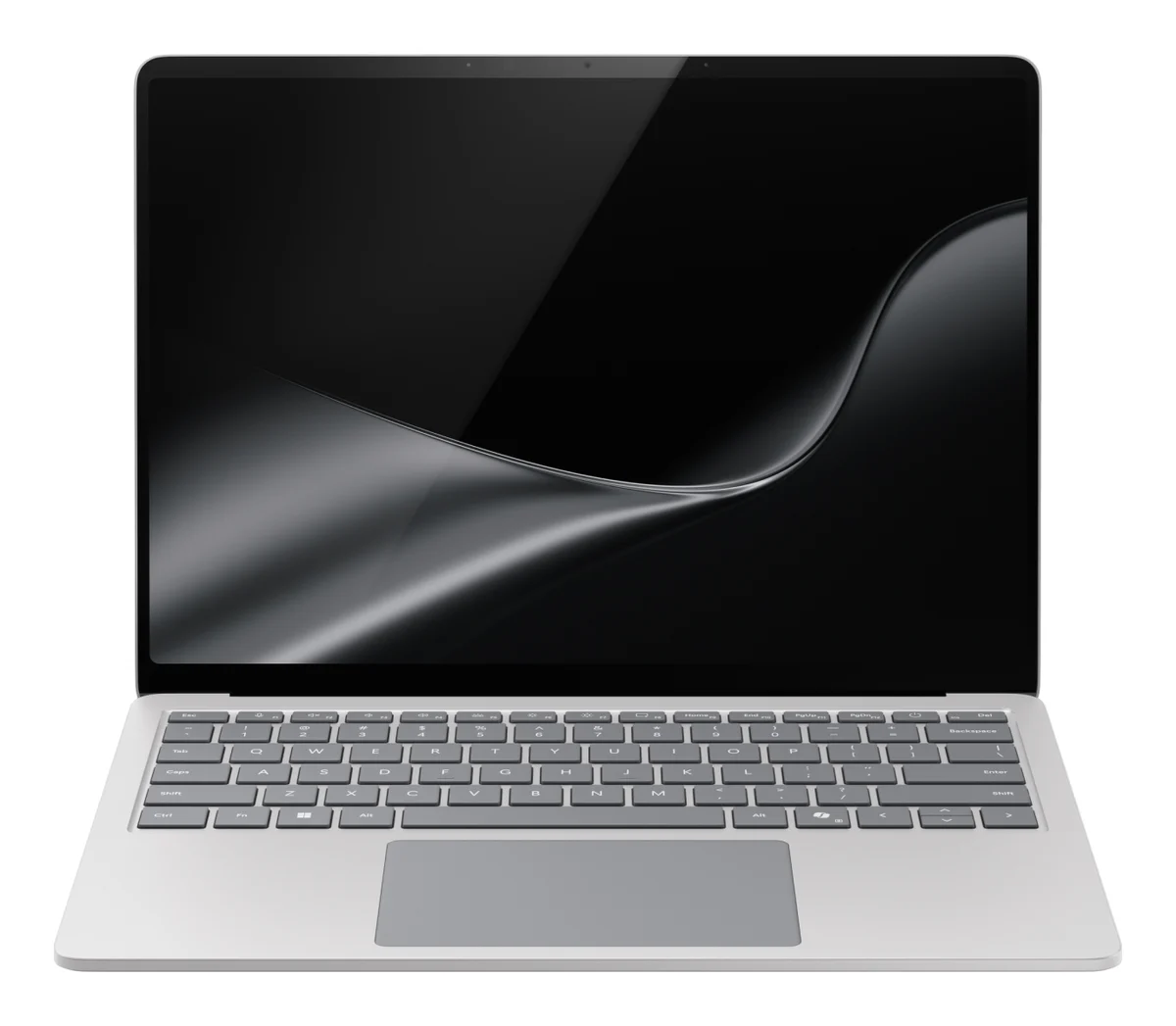
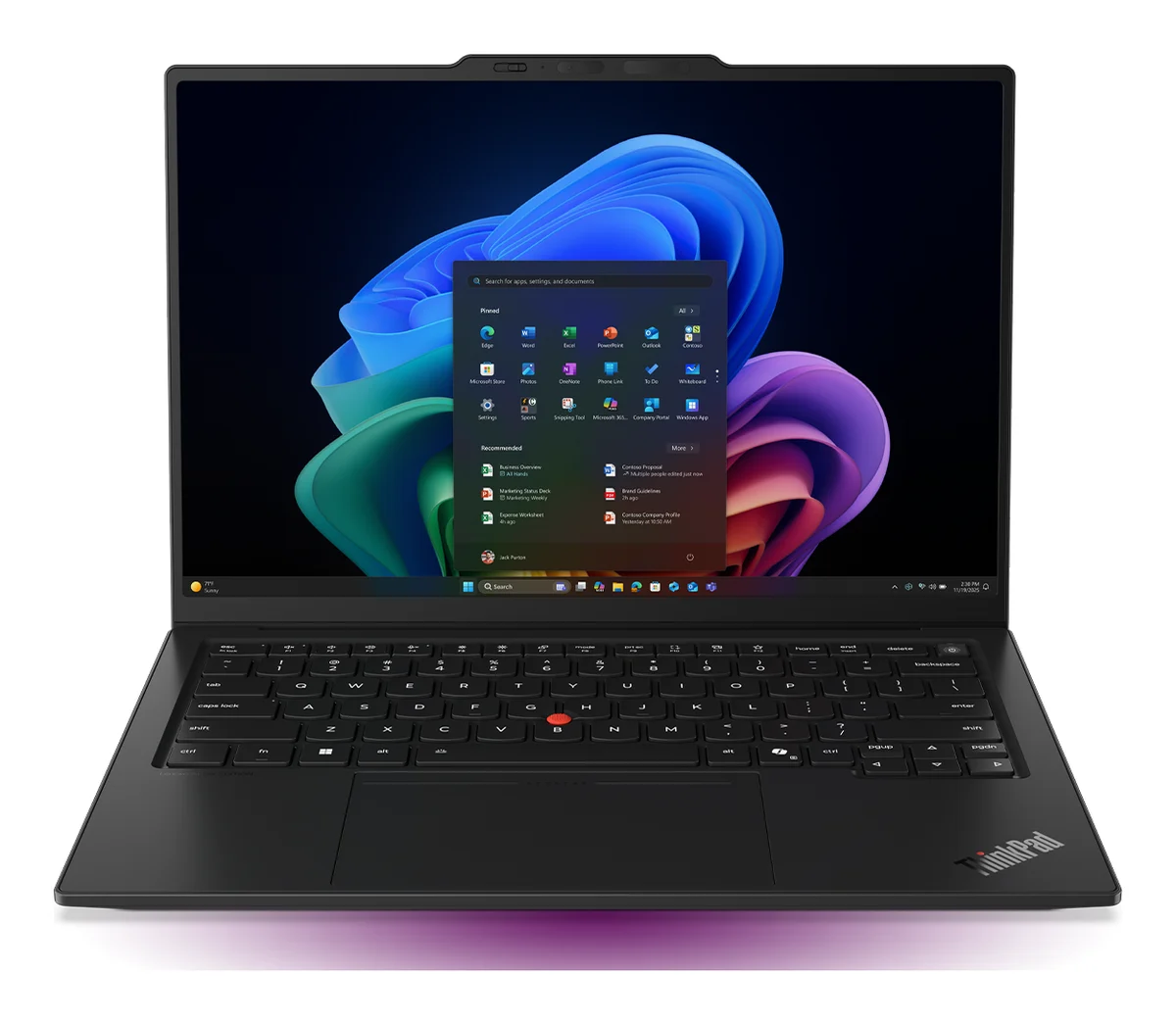
InnoReviews verdict
ThinkPad X1 Carbon Gen 14 Aura Edition wins this laptop face-off, 63.1 to 59.8, pulling ahead mainly in graphics (+19). Microsoft Surface Laptop 13.8-inch (8th Edition) is the better pick for peak brightness, and it launched cheaper.
Key differences
Reasons to pick the Microsoft Surface Laptop 13.8-inch (8th Edition)
- 20% higher peak brightness: 600 nits vs 500 nits
- Lower launch price: $1,599 vs $1,999
Reasons to pick the ThinkPad X1 Carbon Gen 14 Aura Edition
- Stronger graphics score: 73 vs 54
- 67% higher charging: 65 W vs 39 W
- 0.37 kg lighter: 0.98 kg vs 1.34 kg
Microsoft Surface Laptop 13.8-inch (8th Edition) vs ThinkPad X1 Carbon Gen 14 Aura Edition: benchmarks
We have no benchmark result for the Microsoft Surface Laptop 13.8-inch (8th Edition) or the ThinkPad X1 Carbon Gen 14 Aura Edition themselves yet, so their bars show their chips' published results, tagged as the chips'
Geekbench 6 (single)
- Microsoft Surface Laptop 13.8-inch (8th Edition) chip result · via Qualcomm Snapdragon X2 Elite X2E-78-1003,287
- ThinkPad X1 Carbon Gen 14 Aura Edition chip result · via Intel Core Ultra X7 358H2,865
Published results: review runs where we found them, otherwise typical published figures. A chip's figure is normally the median of review runs on devices with that chip.
Geekbench 6 (multi)
- ThinkPad X1 Carbon Gen 14 Aura Edition chip result · via Intel Core Ultra X7 358H16,398
- Microsoft Surface Laptop 13.8-inch (8th Edition) chip result · via Qualcomm Snapdragon X2 Elite X2E-78-10015,102
Published results: review runs where we found them, otherwise typical published figures. A chip's figure is normally the median of review runs on devices with that chip.
Which would you pick?
Microsoft Surface Laptop 13.8-inch (8th Edition) vs ThinkPad X1 Carbon Gen 14 Aura Edition: full specs
Display
| Spec | Microsoft Surface Laptop 13.8-inch (8th Edition) | ThinkPad X1 Carbon Gen 14 Aura Edition |
|---|---|---|
| Screen size | 13.8 ″ | 14 ″+1% |
| Panel type | PixelSense Flow HDR LCD (touchscreen) | OLED |
| Resolution | 2304x1536 | 2880x1800 |
| Refresh rate | 120 Hz | 120 Hz |
| Peak brightness | 600 nits+20% | 500 nits |
Performance
| Spec | Microsoft Surface Laptop 13.8-inch (8th Edition) | ThinkPad X1 Carbon Gen 14 Aura Edition |
|---|---|---|
| Processor | Qualcomm Snapdragon X2 Elite X2E-78-100 | Intel Core Ultra X7 358H |
| Graphics | Qualcomm Adreno X2-85 | Intel Arc B390 (integrated, 12 Xe3 cores) |
| RAM | 64 GB | 64 GB |
| RAM type | LPDDR5x | LPDDR5X-9600 (soldered) |
| Storage | 1,024 GB | 1,024 GB |
| Storage type | SSD (removable, Gen 4) | NVMe SSD (M.2 2280, PCIe 4.0 / 5.0) |
Battery
| Spec | Microsoft Surface Laptop 13.8-inch (8th Edition) | ThinkPad X1 Carbon Gen 14 Aura Edition |
|---|---|---|
| Capacity | 54 Wh | 58 Wh+7% |
| Charging | 39 W | 65 W+67% |
Design
| Spec | Microsoft Surface Laptop 13.8-inch (8th Edition) | ThinkPad X1 Carbon Gen 14 Aura Edition |
|---|---|---|
| Weight | 1.34 kg | 0.98 kg+27% |
| Thickness | 17.5 mm | 16.9 mm+4% |
| Material | Anodized aluminum | Carbon fiber (top), magnesium (bottom) |
Connectivity
| Spec | Microsoft Surface Laptop 13.8-inch (8th Edition) | ThinkPad X1 Carbon Gen 14 Aura Edition |
|---|---|---|
| Ports | 2x USB-C/USB4, USB-A 3.2, 3.5mm headphone jack, Surface Connect | 3x Thunderbolt 4 (USB PD 15-65W, DisplayPort 2.1), 1x USB-A (5Gbps, always on), HDMI 2.1 (up to 4K/60Hz), 3.5mm combo audio jack |
| Wi-Fi | Wi-Fi 7 | Wi-Fi 7 |
| Bluetooth | Bluetooth 5.4 | 5.4 |
| Webcam | 1080p Full HD | 10MP IR camera (ultrawide) with ToF sensor and privacy shutter |
| Biometrics | Face recognition (Windows Hello) | Fingerprint reader in the power button, IR camera for Windows Hello face recognition |
Software
| Spec | Microsoft Surface Laptop 13.8-inch (8th Edition) | ThinkPad X1 Carbon Gen 14 Aura Edition |
|---|---|---|
| Operating system | Windows 11 Home (Arm) | Windows 11 Pro |
Quick answers
Which is better: Microsoft Surface Laptop 13.8-inch (8th Edition) or ThinkPad X1 Carbon Gen 14 Aura Edition?
ThinkPad X1 Carbon Gen 14 Aura Edition wins this laptop face-off, 63.1 to 59.8, pulling ahead mainly in graphics (+19). Microsoft Surface Laptop 13.8-inch (8th Edition) is the better pick for peak brightness, and it launched cheaper.
How do the scores compare?
Microsoft Surface Laptop 13.8-inch (8th Edition) scores 59.8/100 overall; ThinkPad X1 Carbon Gen 14 Aura Edition scores 63.1/100. Microsoft Surface Laptop 13.8-inch (8th Edition) wins 1 individual spec rows, ThinkPad X1 Carbon Gen 14 Aura Edition wins 5.
What are the main differences between the Microsoft Surface Laptop 13.8-inch (8th Edition) and the ThinkPad X1 Carbon Gen 14 Aura Edition?
Microsoft Surface Laptop 13.8-inch (8th Edition) advantages: 20% higher peak brightness: 600 nits vs 500 nits; Lower launch price: $1,599 vs $1,999. ThinkPad X1 Carbon Gen 14 Aura Edition advantages: Stronger graphics score: 73 vs 54; 67% higher charging: 65 W vs 39 W; 0.37 kg lighter: 0.98 kg vs 1.34 kg.
Which is cheaper: Microsoft Surface Laptop 13.8-inch (8th Edition) or ThinkPad X1 Carbon Gen 14 Aura Edition?
Microsoft Surface Laptop 13.8-inch (8th Edition) launched cheaper at $1,599, versus $1,999 for the ThinkPad X1 Carbon Gen 14 Aura Edition.
Use this on your site or forum
Copy a ready-made link. Scores on this page update as new results are published, so the link always leads to the current figures.