Best Motherboard for i5-9600K: Top Picks for 2026
Hunting for a replacement motherboard for your Core i5-9600K? Here are the best Z390 and B365 options on the used market and what you should pay.
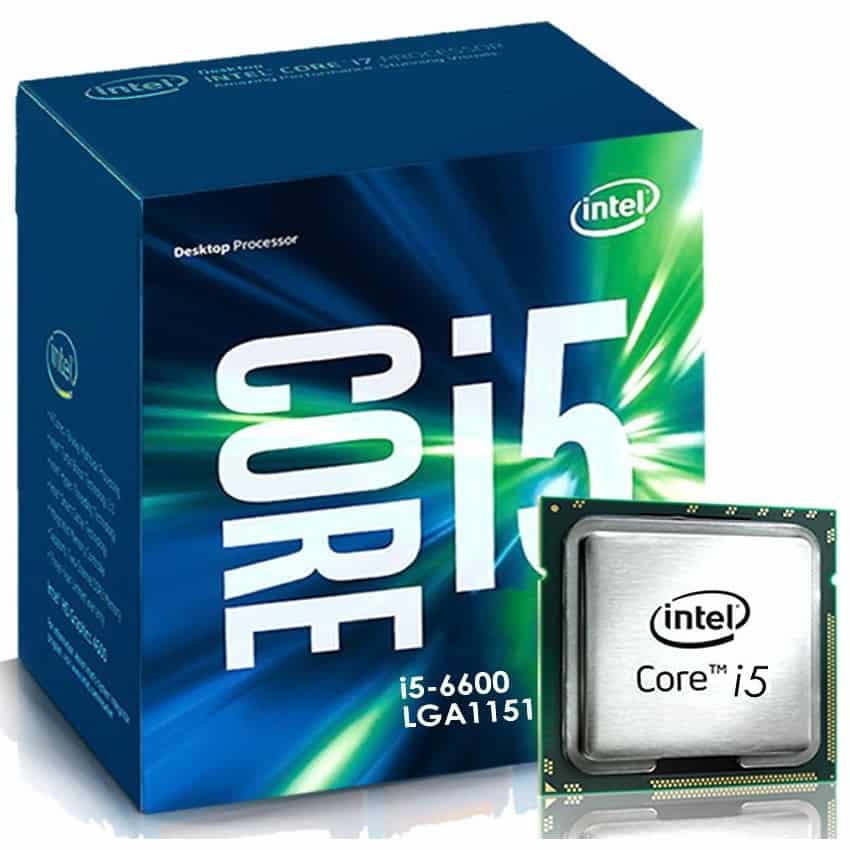
If you need a motherboard for an Intel Core i5-9600K today, your best bet is hunting down a used Gigabyte Z390 Aorus Pro for overclocking or an ASRock B365M Pro4 for a cheap replacement build. Because Intel retired the LGA 1151-v2 socket years ago, you should shop on the secondhand market and never pay more than $90 for any board in this class.
- Best Overall for Overclocking: Gigabyte Z390 Aorus Pro (~$80–$100 used)
- Best Feature Set & BIOS: ASUS ROG Strix Z390-E Gaming (~$85–$110 used)
- Best Budget Z390: MSI MPG Z390 Gaming Plus (~$65–$80 used)
- Best Non-OC Replacement: ASRock B365M Pro4 (~$45–$60 used)
The Reality of Buying an LGA 1151 Board Today
The Core i5-9600K launched late in 2018. It features six physical cores, six threads, a base clock of 3.7 GHz, and an unlocked multiplier for manual overclocking. While it still handles basic 1080p esports and office multitasking without breaking a sweat, its lack of hyperthreading shows severe stuttering in modern AAA titles like Cyberpunk 2077 or Alan Wake 2.
Retailers no longer stock brand-new Z390 or B365 boards at standard MSRPs. Any "new in box" units you spot on major retail sites are listed by third-party sellers at absurd markups like $250 or more. We'd skip those entirely. At that price, you can buy a brand-new Ryzen 5 5600 or Core i3-14100F paired with a modern DDR4 or DDR5 motherboard that will blow the 9600K out of the water. Stick to verified sellers on eBay, Hardwareswap, or local marketplaces.
Top Motherboards for Intel Core i5-9600K
1. Gigabyte Z390 Aorus Pro – Best Overall for Overclocking
Gigabyte dominated the Z390 generation thanks to an over-engineered voltage regulator module (VRM). The Z390 Aorus Pro uses a genuine 12+1 phase power delivery design with thick, finned aluminum heatsinks. If you plan to push your i5-9600K to an all-core 5.0 GHz overclock, this board provides the cleanest power and lowest temperatures in its price bracket.
You get dual M.2 slots with integrated thermal guards, an integrated rear I/O shield, and reliable audio shielding with the Realtek ALC1220-VB codec. The BIOS interface is slightly clunky compared to ASUS, but the physical hardware quality easily outclasses competitors at the $85 used price point.
2. ASUS ROG Strix Z390-E Gaming – Best Feature Set
ASUS delivered the most polished overall package with the ROG Strix Z390-E Gaming. It carries built-in Intel 802.11ac Wi-Fi, dual NVMe slots, solid onboard RGB accents, and the most intuitive UEFI BIOS on the market. Setting XMP profiles and dialing in load-line calibration for the 9600K takes only a couple of clicks.
Its 4-phase doubled VRM design runs warmer than the Gigabyte Aorus Pro under sustained synthetic loads, but it easily handles a 4.8 GHz or 4.9 GHz daily overclock on an i5 chip. Expect to pay between $85 and $110 on the secondhand market for a tested board with its original accessories.
3. MSI MPG Z390 Gaming Plus – Best Budget Z390
If you want CPU multiplier tuning and high-speed DDR4 memory support without paying a collector's premium, look for the MSI MPG Z390 Gaming Plus. MSI stripped away costly metal shrouds and RGB headers to focus on core functionality. It holds basic heatsinks across a modest VRM setup that easily accommodates standard 95W loads and moderate overclocks.
The board features dual PCIe 3.0 x16 slots, dual M.2 ports, and red PCB accents. Don't push a heavy 5.1 GHz vCore pump through this board, but for a stock or mildly tuned 9600K setup, it represents great value around $70 used.
4. ASRock B365M Pro4 – Best Cheap Replacement (No OC)
If your old motherboard died and you just want your PC running again without spending money on overclocking headroom, pick up an ASRock B365M Pro4. The B365 chipset runs the i5-9600K natively out of the box without requiring older BIOS updates.
Because it uses the B365 chipset, you cannot overclock the CPU core multiplier, and system memory speeds are locked to 2666 MHz max on an i5 chip. However, you get a clean Micro-ATX layout, decent heatsinks on the power delivery, and dual M.2 slots for roughly $50 used. It is the smartest repair option for budget-conscious users.
LGA 1151 Motherboard Comparison
| Motherboard | Chipset | Form Factor | VRM Layout | Typical Used Price | Primary Strength |
|---|---|---|---|---|---|
| Gigabyte Z390 Aorus Pro | Z390 | ATX | 12+1 Phases | $80–$100 | Top VRM thermals for 5.0 GHz OC |
| ASUS ROG Strix Z390-E | Z390 | ATX | 4+2 (Doubled) | $85–$110 | Best BIOS & integrated Wi-Fi |
| MSI MPG Z390 Gaming Plus | Z390 | ATX | 8+1 Phases | $65–$80 | Affordable Z-series entry point |
| ASRock B365M Pro4 | B365 | Micro-ATX | 4+2 Phases | $45–$60 | Cheap plug-and-play replacement |
What to Check Before Buying a Used Motherboard
Buying discontinued platform parts comes with risks. Keep these critical checks in mind when shopping:
- Socket Pins: Always ask the seller for clear macro photos of the LGA 1151 CPU socket. Bent or missing pins can kill memory channels or prevent the system from posting entirely.
- Z370 vs. Z390 Chipsets: Z370 motherboards also work with the i5-9600K, but only if they were updated to a compatible 9th-generation BIOS. If you buy a Z370 board that still has an early 2017 BIOS installed, you cannot boot a 9600K to flash it without borrowing an 8th-gen chip first. Stick with native Z390 or B365 boards to avoid this headache.
- Included Accessories: Ensure the seller includes the original I/O shield. Sourcing a replacement metal shield on eBay often adds an unnecessary $10 to $15 to your repair bill.
Should You Replace the Motherboard or Upgrade Platforms?
Before dropping $100 on an old Z390 board, run the numbers on an entry-level modern platform. An aging Core i5-9600K sells for around $50 to $65 on eBay. If you sell your chip and add the $90 you would have spent on a Z390 replacement, you have roughly $150 to play with.
For approximately $170 to $190 total, you can buy a brand-new AMD Ryzen 5 5600 paired with an A520/B550 board, or an Intel Core i3-12100F paired with an H610 board. Both options deliver higher single-thread IPC, double the thread count (12 threads or 8 threads), modern PCIe 4.0 storage lanes, and full Windows 11 compliance without weird workarounds. If your total repair cost approaches $100, selling the 9600K and jumping to a newer platform is the better long-term move.
FAQ
Can an i5-9600K run on a Z370, B360, or H310 motherboard?
Yes. The Core i5-9600K is physically compatible with all 300-series Intel chipsets, including Z370, H370, B360, and H310. However, these older boards require a BIOS update applied beforehand to recognize 9th-generation processors. If the board does not feature USB BIOS Flashback, you must boot it with an 8th-generation CPU to perform the update.
Can I run DDR5 memory with a Core i5-9600K?
No. The 9th-generation Coffee Lake Refresh memory controller strictly supports DDR4 memory up to dual-channel configurations. Motherboards compatible with the LGA 1151-v2 socket only have DDR4 RAM slots.
Is a liquid cooler necessary for an overclocked i5-9600K?
No. A standard dual-tower air cooler like the Thermalright Peerless Assassin 120 easily handles a 4.8 GHz to 5.0 GHz overclock on an i5-9600K without thermal throttling. Unlike newer high-wattage i7 or i9 chips, the 6-core 9600K rarely exceeds 130 watts under typical gaming loads even when moderately overclocked.